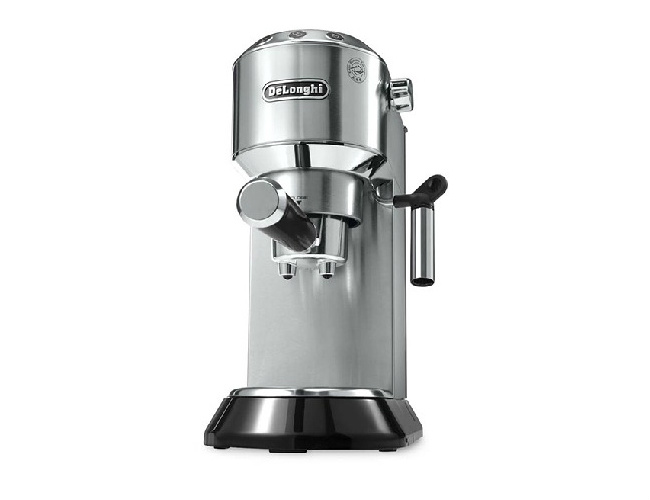
The red light under the Delong coffee machine cleaning button (descaling light) keeps flashing, it should be descaling. In the standby state, add the Delong coffee machine cleaning agent to the water tank according to the instructions, fill the water for 7 minutes, and then press the descaling key for a long time. Wait for the above row of lights to flash, turn on the steam knob, and then the coffee machine automatically removes dirt (draining outward in the steam stick). When the first water tank is finished, add clear water to the tank. Then continue to put water through the steam bar the coffee machine will automatically clean, and the detergent lamp will disappear automatically.
If you buy a Delon coffee machine without adjusting the hardness of the water or using tap water or mineral water instead of pure water, the detergent key will flash in a very short time.
Source:
Winnie's old blog.


